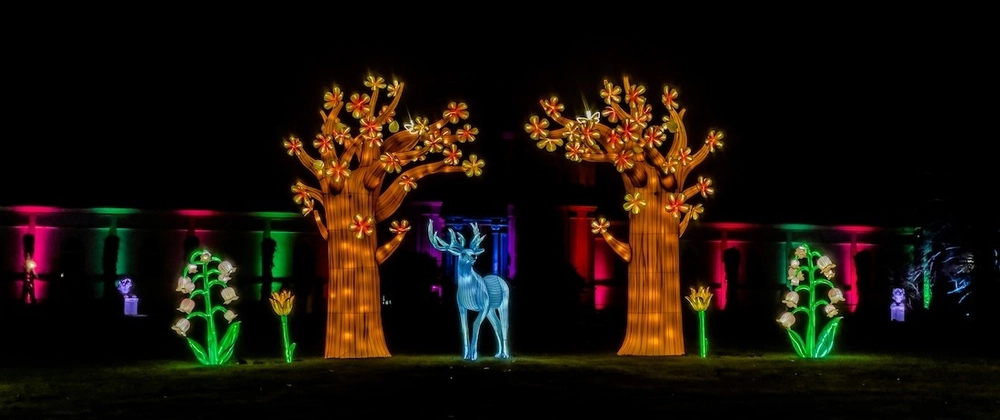
Advent of AI 2025 - Day 4: Building a Winter Festival Website with Goose
Advent of AI 2025
Table of Contents
I’ve edited this post, but AI helped. These are meant to be quick posts related to the Advent of AI. I don’t have time if I’m doing one of these each day to spend a couple hours on a post. 😅
The advent of AI series leverages Goose, and open source AI agent. If you’ve never heard of it, check it out!
https://github.com/block/gooseFor Day 4 of Advent of AI, I built a winter festival website and deployed it to Netlify all thanks to Goose, Claude Sonnet 4.5 and some built-in and external extensions in Goose.
Live Site: https://winter-festival-nickyt.netlify.app
What I Built#
A single-page winter festival site with:
- Event schedule and countdown timer
- 8-image gallery with lightbox
- Light/dark mode
- snowflake background animation
- Testimonials and footer
- Theme persistence with localStorage
The Build Process#
This built on Day 3’s work.
https://www.nickyt.co/blog/advent-of-ai-2025-day-1-building-data-visualizations-with-goose-g7fI had the basic structure, but needed to fix the light/dark mode. Both themes looked too similar initially, just different shades of dark backgrounds.
Fixing the Themes#
I implemented a complete theme system using CSS custom properties:
Light Mode:
:root { --bg-primary: linear-gradient(135deg, #f8f9fa 0%, #e3f2fd 50%, #e1f5fe 100%); --text-primary: #1a1a2e; /* Dark navy */ --text-secondary: #424242; /* Dark gray */ --text-light: #616161; /* Medium gray */ /* ... more variables */}Dark Mode:
body.dark-mode { --bg-primary: linear-gradient(135deg, #0a0a0f 0%, #1a1a2e 50%, #2d1b3d 100%); --text-primary: #ffffff; /* Pure white */ --text-secondary: #e0e0e0; /* Light gray */ --text-light: #b0b0b0; /* Medium light gray */ /* ... more variables */}This ensured WCAG AAA compliance (7:1+ contrast ratios), true visual distinction between themes, and smooth transitions.
That said there’s some headings that were missed for light mode that do not pass color contrast issues (TODO for later maybe)
Other Fixes#
Integrated the theme toggle into the nav menu instead of having it float separately. Fixed some alignment issues. Made the hero title match the logo color. Reduced gallery from 9 to 8 images for better grid balance. Enhanced snowflakes to adapt to the current theme.
Deploying with Netlify MCP#
The coolest part was using the Netlify Model Context Protocol (MCP) server to deploy directly from the AI assistant.
What is MCP?#
Model Context Protocol (MCP) is an open standard created by Anthropic that enables AI assistants to securely connect to external tools and services. In this case, the Netlify MCP allows the AI to interact with Netlify’s API to create sites and deploy projects.
How It Worked#
I just said “ok deploy to netlify” and the AI:
- Queried existing Netlify projects
- Created a new site named “winter-festival-nickyt”
- Deployed the directory
- Checked deployment status
No terminal, no CLI commands, no Netlify dashboard. Just conversation.
Give It a Try#
Not sure how deep I’ll get into Advent of AI, but Day 4 was fun. Building and deploying a site with MCP integration was way smoother than the traditional workflow.
Even if you missed the first few days, jump in now! Head over to AdventOfAI.dev and see what you can build.
Check out the Netlify MCP if you want to try deploying with conversation.
Until the next one!
Photo by Bernd 📷 Dittrich on Unsplash